



How to reply to every new lead in under five minutes
The minutes after someone fills in your form are when they care most, and when most businesses are slowest. Here is a simple workflow that gets a reply out in seconds and a person in touch in minutes.
By Admin
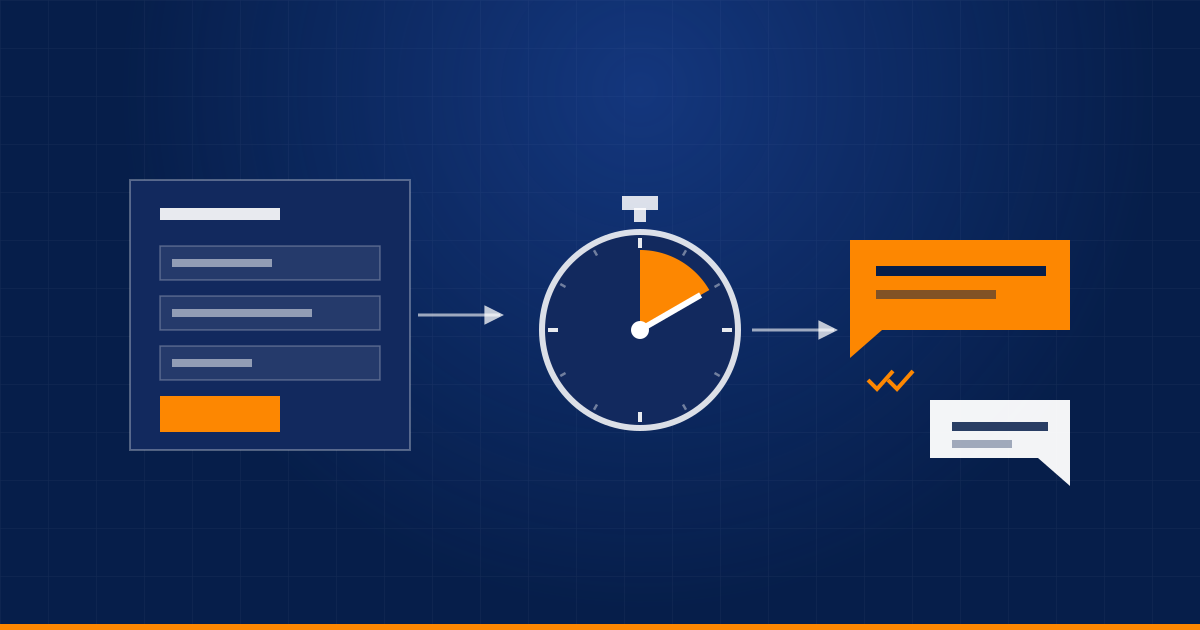
Someone fills in your form, asks a question on WhatsApp, or replies to an ad. At that moment they are thinking about the problem, they have a tab open with your website, and they are probably asking two other companies the same question.
An hour later, they are in a meeting. By tomorrow, they have moved on. How quickly you respond is one of the few parts of sales that you fully control, and most of it can be automated.
What "fast" should mean
There are two replies, and they do different jobs.
- The instant acknowledgement goes out in seconds, automatically. It confirms that you got the message and says what happens next.
- The human follow-up comes from a real person, ideally within five minutes during working hours. This one actually moves the conversation forward.
Automation handles the first and makes the second possible. It should never pretend to be the second.
The workflow, step by step
- Capture every source in one place. Website forms, WhatsApp, email, ad lead forms and phone enquiries should all end up in the same CRM or table, tagged with where they came from.
- Clean and match. Check for an existing record by email or phone number, so a returning lead updates their record instead of creating a duplicate.
- Assign an owner. Use round-robin, or rules such as region, service or deal size. A lead without a named owner is a lead nobody replies to.
- Acknowledge instantly. Send a WhatsApp message or email that uses their name and mentions what they asked about. Say what happens next and when.
- Alert the owner where they already are. Send a push, WhatsApp or chat message with the lead's details and a link, not one more email in a crowded inbox.
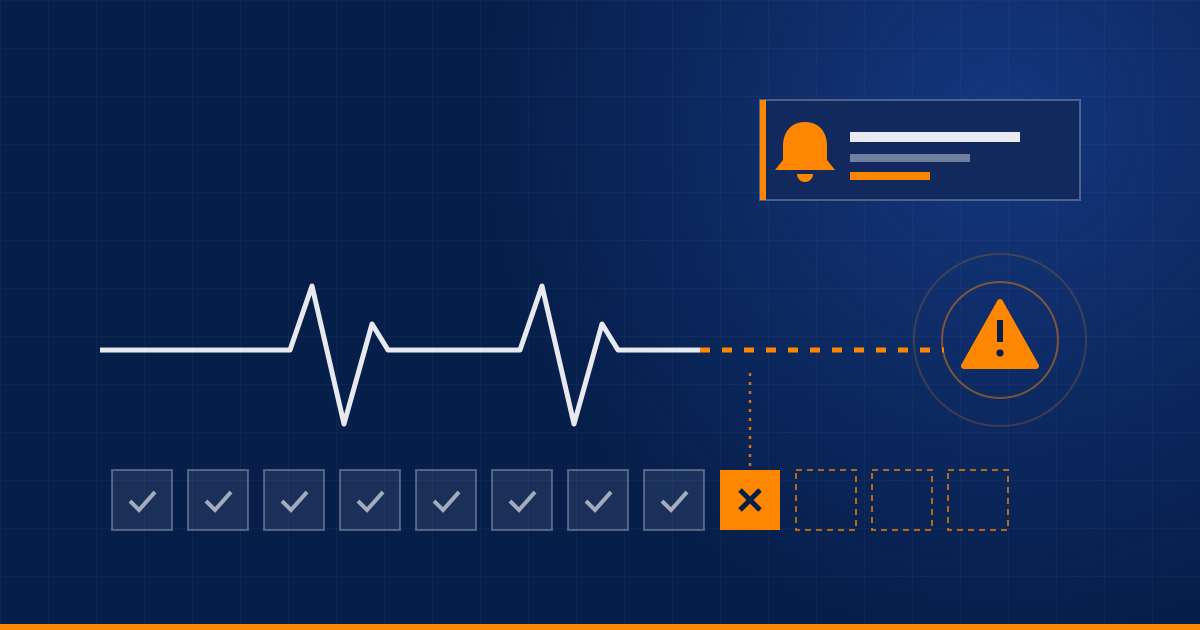
- Start a clock. If nobody has contacted the lead within, say, ten minutes, escalate to a backup or a manager.
- Follow up if they go quiet. A short sequence after one day, three days and a week works well. It stops the moment they reply or book a call.
Write the first message like a person
The acknowledgement is where most businesses waste the opportunity with "Thank you for contacting us. We have received your submission."
A better version:
- mentions what they asked about,
- asks one easy question that is quick to answer,
- gives them a way to book a time without more back and forth,
- is signed by a real name, not "The Team".
Keep it short enough to read on a phone screen without scrolling.
Handle the hours you are not working
Leads do not arrive only between nine and six. Outside working hours, be honest: say when a person will reply, and use the time to collect what you need. A few questions answered in chat, or a booked call slot, mean the conversation starts further along in the morning.
What not to automate
- The sales conversation itself, for anything complex. Automation exists to get a person into the conversation quickly, not to replace them.
- Follow-ups to people who have already replied. Nothing looks worse than an automated "just checking in" after a real conversation is under way. Stop sequences on any reply.
- Endless messages. Three or four follow-ups are persistence. Ten are spam.
Measure it
Track three numbers:
- Time to first response, using the median rather than the average, so one slow weekend does not hide the rest.
- Contact rate: the share of leads you actually spoke to.
- Conversion by response speed: compare leads answered within minutes with those answered within hours.
After a few weeks, you will have your own numbers on how much speed matters for your business, which is better evidence than any general statistic.
Start with the simple version
You do not need every step on day one. Form to CRM, an instant acknowledgement and an alert to the owner already changes how fast you respond. Add escalation and follow-up sequences once that is working.
If you are still choosing what to automate first, start with this method. If your leads come in through chat, this comparison of the WhatsApp Business app and the API is a good next read.
Want a lead-response workflow built around your team? Tell us how leads reach you today and we will sketch it.
Related service: Business Automation
Have a process eating your team's time?
Tell us about it and we'll say honestly whether automation is the right fix.
Book a discovery call