





WhatsApp Business app vs the API: what actually changes when you automate
The free WhatsApp Business app is fine until your inbox becomes a bottleneck. Here is what the WhatsApp Business Platform (the API) adds, the rules that come with it, and how to decide.
By Admin
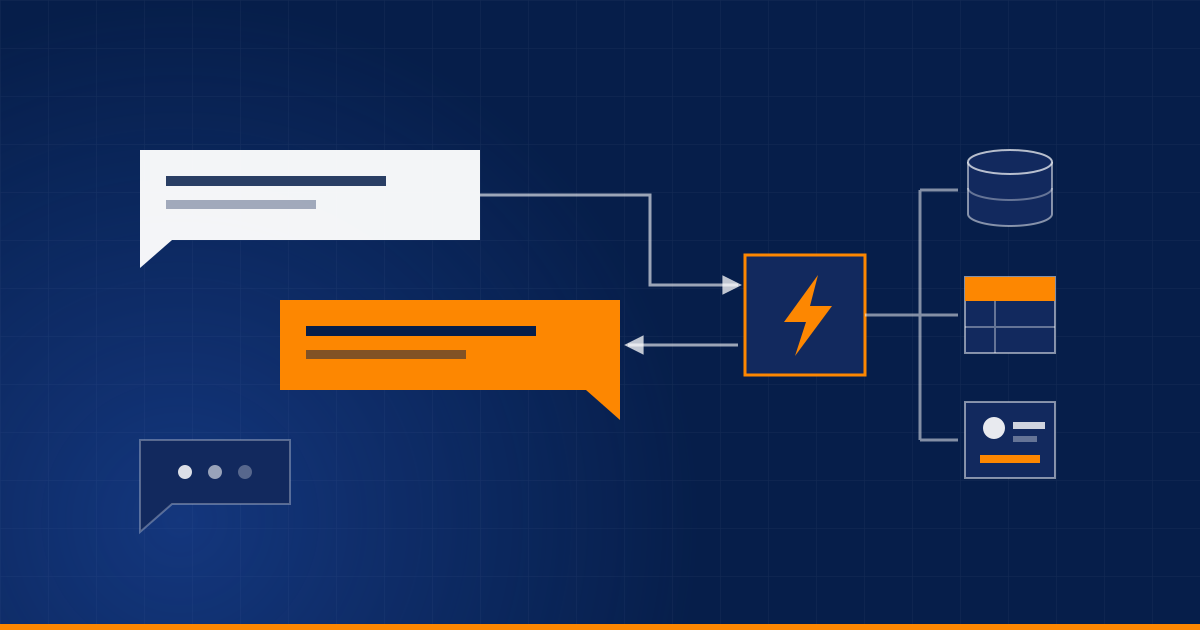
If your customers already message you on WhatsApp, you probably started with the free WhatsApp Business app on a phone. That is a sensible start. At some point, though, the inbox stops keeping up: replies go out late, two people answer the same customer, and nobody can tell which chats turned into sales.
That is usually the moment people start asking about "the WhatsApp API". Here is what it changes, and what it does not.
What the Business app does well
The app is built for a small team working from a phone. You get a business profile, a product catalogue, labels to sort chats, quick replies, and greeting and away messages. For a shop or clinic getting a modest number of messages a day, that is often enough, and it costs nothing.
Where it runs out:
- It cannot be connected to your CRM, order system or spreadsheet.
- Automation is limited to canned replies and away messages. There is no logic such as "ask three questions, then route to sales".
- A few people can share the account, but there is no real shared inbox with assignments and history.
- Sending to many people at once is limited, and works best with contacts who have already saved your number.
What the API (WhatsApp Business Platform) adds
The API is not an app. It is a way for software to send and receive WhatsApp messages on your behalf, usually through a provider or directly through Meta's cloud API. You (or your developer) build or connect the inbox on top of it. That unlocks:
- A shared team inbox with assignments, notes and full history, not tied to one phone.
- Bots and AI agents that answer questions, qualify leads and take orders, and hand over to a person when needed.
- Integrations. Every conversation and lead can land in your CRM, and an agent can look up an order status directly.
- Outbound messages such as order updates, appointment reminders and campaigns, sent with approved templates.
- Analytics on response time, volume and outcomes.
The rules you need to work within
WhatsApp is strict about spam, and the API enforces that in the product itself.
- Opt-in. Customers must agree to receive messages from you. Keep a record of when and how they agreed.
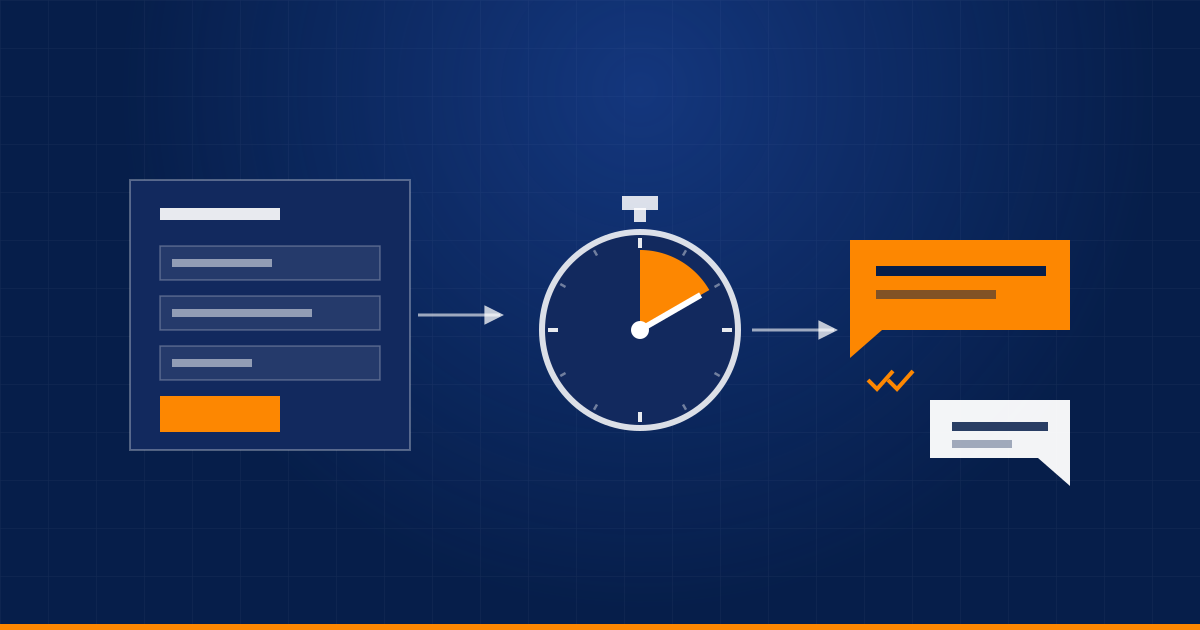
- The 24-hour window. When a customer messages you, you can reply freely for 24 hours. Outside that window you can only send pre-approved message templates.
- Templates need approval. Each template is reviewed by Meta and belongs to a category, such as marketing, utility or authentication. Categories are priced differently.
- Pricing is per message and depends on the category and the country. Check Meta's current rate card rather than trusting a blog post, ours included.
- Quality matters. If many recipients block or report you, your sending limits can drop.
Meta changes policies and prices fairly often, so treat this as a guide and check the official documentation before you commit.
What about your existing number?
A number is normally registered either with the Business app or with the API, and moving it across can affect your existing chats on the app. Meta has been adding ways to use both together on the same number, so check what is currently available for your account. If you want to keep the app exactly as it is, the simplest option is often a separate number for automation.
How to decide
| Your situation | What we would do |
|---|---|
| One person answers, a few dozen chats a day | Stay on the Business app |
| Several people answering, customers get double replies | API with a shared inbox |
| Leads and orders need to end up in your CRM | API |
| You want a bot for FAQs, lead qualification or bookings | API |
| You want to send updates or campaigns to many customers | API, with templates and proper opt-in |
Getting the first bot right
The most useful first version is smaller than people expect:
- Greet the customer and ask what they need.
- Answer the 20 questions you get every week, from your own documents, and nothing more.
- For sales enquiries, ask three or four qualifying questions and create a lead in the CRM.
- Always offer a way to reach a person, and send the human the full context so the customer does not have to repeat themselves.
Two mistakes come up again and again: messaging people who never opted in, and building a bot that is a dead end. A bot that knows its limits and hands over gracefully will beat a clever one that traps people.
Not sure whether you have outgrown the app? Tell us how many chats you handle and we will give you a straight answer.
Related service: WhatsApp & AI Bots
Have a process eating your team's time?
Tell us about it and we'll say honestly whether automation is the right fix.
Book a discovery call