





Automations fail quietly: how to make yours loud
A manual process fails where somebody can see it. An automation can fail for weeks before anyone notices. Six habits that make your workflows report their own problems.
By Admin
When a person forgets to send an invoice, somebody notices eventually. The customer asks, or the numbers look wrong. When an automation stops sending invoices, there is nobody to notice, because the whole point was that nobody has to think about it.
That is the uncomfortable truth about automation: the better it works, the less anyone watches it, and the longer a failure can go unseen. A workflow that fails silently for three weeks can cost more than the time it ever saved.
The fix is not complicated. It is a handful of habits, built in from the start.
1. Retry the right failures, with a pause
Many failures are temporary: a timeout, a rate limit, a service that is briefly down. Retrying after a short, growing delay fixes most of them without anyone knowing.
async function withRetry<T>(fn: () => Promise<T>, attempts = 4): Promise<T> {
  let delay = 500;
  for (let i = 1; ; i++) {
    try {
      return await fn();
    } catch (err) {
      // Give up on the last attempt, or when retrying cannot help (bad data, missing permission)
      if (i >= attempts || !isTransient(err)) throw err;
      await new Promise((resolve) => setTimeout(resolve, delay));
      delay *= 2; // 0.5s, 1s, 2s...
    }
  }
}
The key part is isTransient. Retrying a validation error or a "not allowed" response just repeats the failure. Only retry things that might work the second time.
2. Make every step safe to run twice
Retries, restarts and manual re-runs mean that steps will run more than once. If running twice creates two invoices or sends two emails, retries become dangerous.
Use a unique key for each piece of work, such as an order number, and check for it before creating anything. Prefer "create or update" over "create". A workflow that is safe to run twice is one you can fix by simply running it again.
3. Keep a failure queue
When an item fails for good, do not throw it away and do not let it disappear into a log. Put it in a place a human can see, with what failed and why, and let them fix the cause and replay it. A simple table or a list in your admin panel is enough.
Without this, failures turn into silent data loss: leads that never reached the CRM, orders that never synced.
4. Alert a person, with context
"Workflow failed" is not an alert, it is an annoyance. A useful alert says what failed, for which record, with what error, and links to where you can look. Send it to a real person or channel that somebody watches.
Be careful about noise. If an alert fires fifty times an hour, people mute it, and you are back to silent failure. Group repeated errors and set thresholds, such as alerting when more than a few fail within ten minutes.
5. Check that it ran at all
Some failures throw no error. The schedule was paused, the trigger was disconnected, the credentials expired and the tool quietly skipped the run. Nothing failed, because nothing ran.
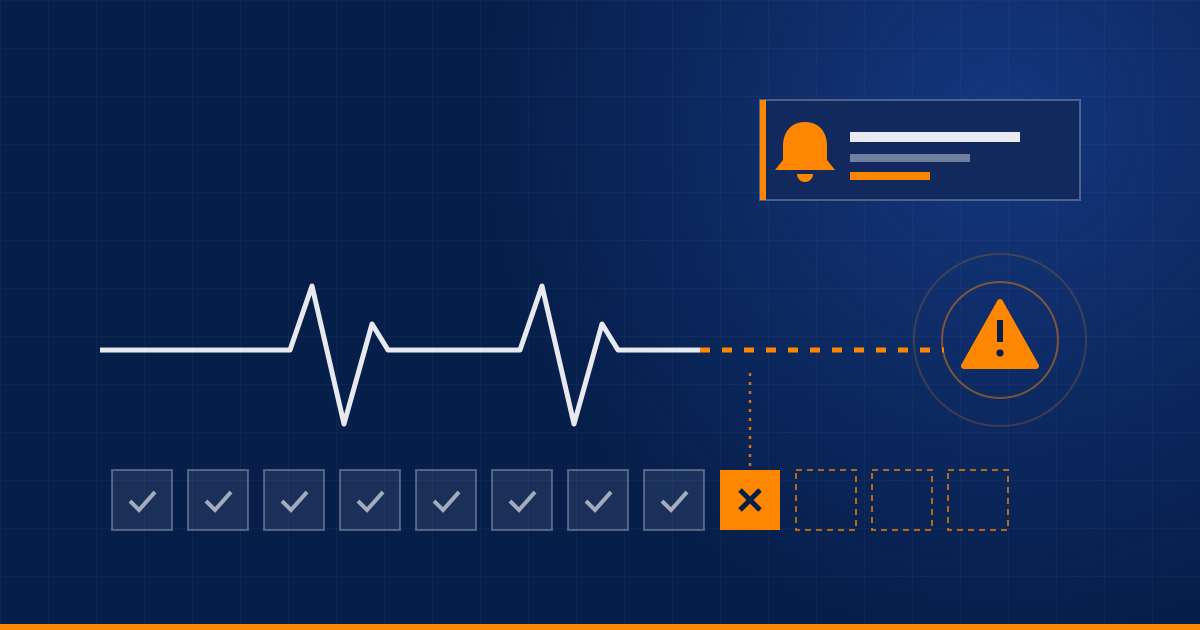
The answer is a heartbeat check: every run reports in, and something alerts you when an expected run does not arrive. If your daily report has not been sent by 9:15, you should hear about it at 9:15.
Related: track when credentials and tokens expire, and renew them before they do.
6. Give it an owner and a short runbook
Every automation should have a named owner, and a few lines somewhere findable: what it does, what it connects to, what to check when it breaks, and how to rerun it. It takes ten minutes to write and saves the day when the person who built it is on holiday.
Test it with bad data
Before going live, try to break it on purpose:
- empty and missing fields,
- duplicates and the same event arriving twice,
- a connected service returning an error, or nothing at all,
- rate limits,
- an API response that has changed shape.
If you have never seen your workflow fail, you do not know what it does when it fails.
The point
Reliability is not a feature you add at the end. It is what turns "a script that works on my machine" into something a business can depend on. A good automation is not the one that never fails. It is the one that tells you clearly, quickly, and with enough detail to fix it, when it does.
Have automations you are not sure anyone is watching? Ask us for a review.
Related service: Cloud & Backend
Have a process eating your team's time?
Tell us about it and we'll say honestly whether automation is the right fix.
Book a discovery call