





How to pick the first workflow to automate
Most automation projects stall because the first target was the wrong one. Here is a simple way to score your workflows and pick one that pays off in weeks, not quarters.
By Admin
Every team has a list of things that should be automated. The list is usually long, and the item at the top is usually the wrong place to start. It is the most painful one, or the most political one, or the most complicated one. Start there and the project drags on for months, and by the time it ships nobody believes in automation any more.
A better first project is smaller and duller than you think.
Start with a boring workflow
The best first candidate is frequent, rule-based and low drama. Think of copying form enquiries into your CRM, sending payment reminders, compiling the weekly numbers into one report, or running the same onboarding checklist for every new customer. Nobody argues about how these should work. They just eat time.
Boring workflows have a second advantage: they are easy to check. When the automation has done the job, you can see whether it did it correctly.
Score each candidate on four things
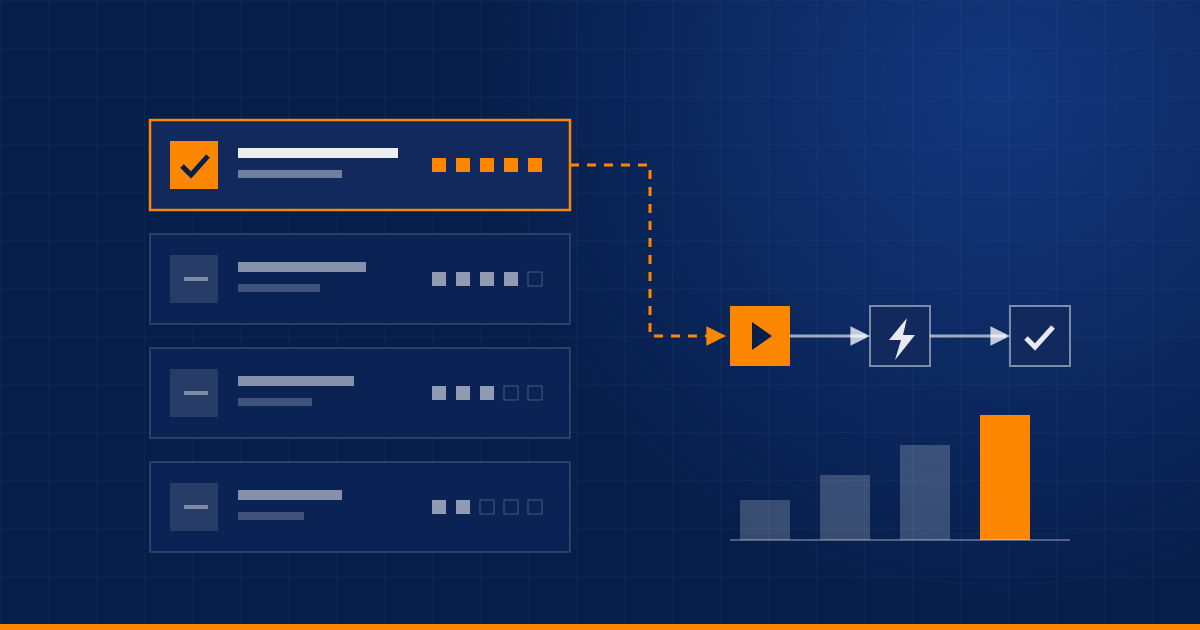
Write your candidate workflows in a list and score each one from 1 to 5.
| Question | Why it matters |
|---|---|
| Frequency: how often does it run? | Daily beats monthly. More runs means more time saved. |
| Time per run: how many minutes of human work? | Ten minutes, twenty times a week, adds up fast. |
| Cost of errors: what happens when a person gets it wrong? | Wrong invoices matter more than a misspelt tag. |
| Rule clarity: can you write the steps as if-then rules? | If the honest answer is "it depends", the process is not ready. |
Rule clarity works as a gate, not just a score. If it scores 1 or 2, do not start there. Sort out the process first, because automating an unclear process only makes the confusion run faster.
For the rest, a rough estimate of the payoff is enough:
hours saved per month = runs per month x minutes per run / 60
Say a lead form arrives about 20 times a week and each one takes 6 minutes to copy into the CRM, assign to someone and reply to. That is 120 minutes a week, around 8 hours a month. Not huge on paper. But it is also the workflow where a slow reply loses deals, so speed matters as much as hours. Use cost of errors and rule clarity to break ties.
What to avoid as a first project
- Processes that change every month. You will spend your time rebuilding, not benefiting.
- Work that needs judgement on every case, such as contract review or pricing exceptions. Assist the person doing it instead of replacing them.
- Anything that depends on a system you cannot get access to. Confirm API access, or at least an export, before you commit to a plan.
- Workflows nobody owns. Someone has to say "this is how it should work" and later notice when it does not.
Measure before you build
Write down a baseline before anything is built: how many times it runs, roughly how long it takes, how often it goes wrong. Rough numbers are fine. Without a baseline you cannot show the project worked, and it becomes much harder to get approval for the second one.
Run it small first
Do not switch the whole workflow over on day one. Run the automation next to the manual process for a couple of weeks, or start with one region or one product line, and compare the results. There are always edge cases nobody mentioned: the customer with two email addresses, the order with no phone number, the form that is sometimes submitted twice. It is far cheaper to find them in a pilot than in production.
Once you switch over, make sure you can see failures. We cover that in Automations fail quietly.
Then choose the second one
The first automation is really a test of your process: can you agree on the rules, get access to the systems and measure the result?
If the answer is yes, the second and third workflows get easier, and you can afford to be more ambitious. If it is no, you have learned that cheaply, and fixed the thing that would have sunk a bigger project.
Have a list and cannot decide where to start? Send it over and we will help you rank it.
Related service: Business Automation
Have a process eating your team's time?
Tell us about it and we'll say honestly whether automation is the right fix.
Book a discovery call