


Automating invoices and payment reminders without annoying your customers
Late payments are rarely about unwilling customers. They come from invoices that were sent late, went unnoticed or were never followed up. Here is a workflow that fixes all three without becoming a nuisance.
By Admin
When an invoice is paid late, it is tempting to blame the customer. More often, the process is at fault: the invoice went out ten days after the job, to a contact who does not handle payments, and nobody looked at it again until the month-end scramble.
Fix the process and most of the chasing disappears. This is how to do it with automation, while keeping your customers happy.
Where invoicing usually goes wrong
- The invoice is created late, because someone has to remember to do it.
- The details are wrong, copied by hand from an email or a spreadsheet.
- It goes to the wrong person, such as the salesperson you spoke to, rather than the billing contact.
- Nobody follows up, or the follow-up depends on who has time this week.
- Payments are not matched, so you end up chasing customers who already paid. That is the fastest way to annoy them.
The workflow, step by step
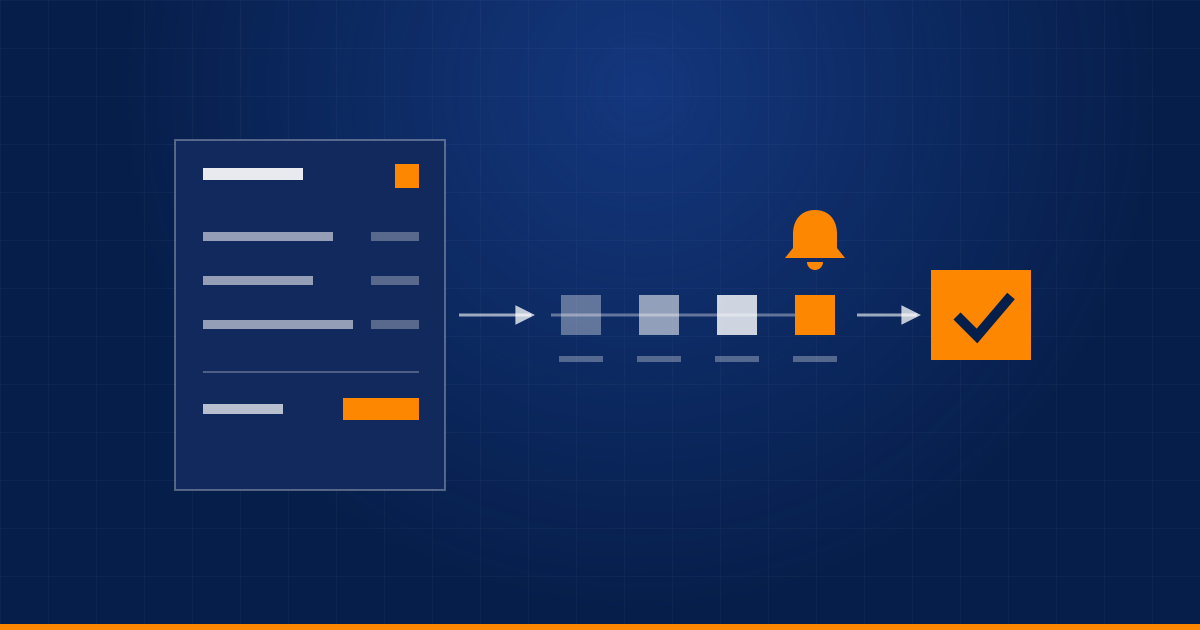
- Trigger it from the source of truth. When a deal is won, a job is completed or an order is delivered, create a draft invoice automatically from the CRM or order data: customer, items, amounts, terms.
- Review only the exceptions. Standard invoices can go out without a human. Route unusual ones, such as large amounts, new customers or custom terms, to a person for a quick check.
- Send immediately, to the right contact. Use the billing contact, and include the PDF and a payment link. Email is the default, and WhatsApp works well for many small businesses.
- Schedule reminders around the due date. See the table below.
- Match payments automatically. A bank feed or payment gateway notification marks the invoice as paid and stops the reminders immediately.
- Report weekly. Total outstanding, overdue amounts by age, and the customers who need a personal call.
A reminder schedule that stays polite
| When | What it says |
|---|---|
| 3 days before the due date | A friendly heads-up with the payment link |
| On the due date | A simple reminder, with the invoice number and amount |
| 3 days after | A polite chase that asks whether anything is wrong |
| 10 days after | A firmer note, and the account owner is told |
| 20 days after, or more | Automation stops and a person takes over |
The last row matters. Automated messages should never keep escalating on their own. A long-overdue account is a conversation, not a sequence.
Write reminders like a person
Keep them short. Include the invoice number, the amount, the due date, a payment link and a contact for questions. Do not threaten anything in an automated message. A customer who feels bullied by a robot will remember it.
Build in the exceptions
Real accounts are messier than the happy path. Plan for:
- Disputes: flagging an invoice as disputed should pause reminders straight away.
- Partial payments and credit notes.
- Customers on agreed payment schedules, who should not be chased for dates already agreed.
- Public holidays, so reminders do not land on a day off.
Keep these with a person
Disputes, long-overdue accounts with a valuable relationship behind them, and any change to payment terms are all human conversations. Let the automation get you to that conversation faster, not replace it.
A note on compliance
Invoicing and tax rules differ from country to country and change over time. Make sure your invoices contain everything your local rules require, and keep proper records. Check the details with your accountant before you automate them.
What to measure
- Average days to get paid, which should fall.
- The share of invoices paid on time.
- Hours per week spent chasing payments, which is the number your team will feel.
To start small, automate just steps one to three, so invoices are always created and sent on time. Add reminders and payment matching once that works. And if you are deciding which process to automate first, this method helps you pick.
Want this built around your accounting tools? Tell us what you use and we will map it out.
Related service: Business Automation
Have a process eating your team's time?
Tell us about it and we'll say honestly whether automation is the right fix.
Book a discovery call