How to brief a software project so you get what you actually need
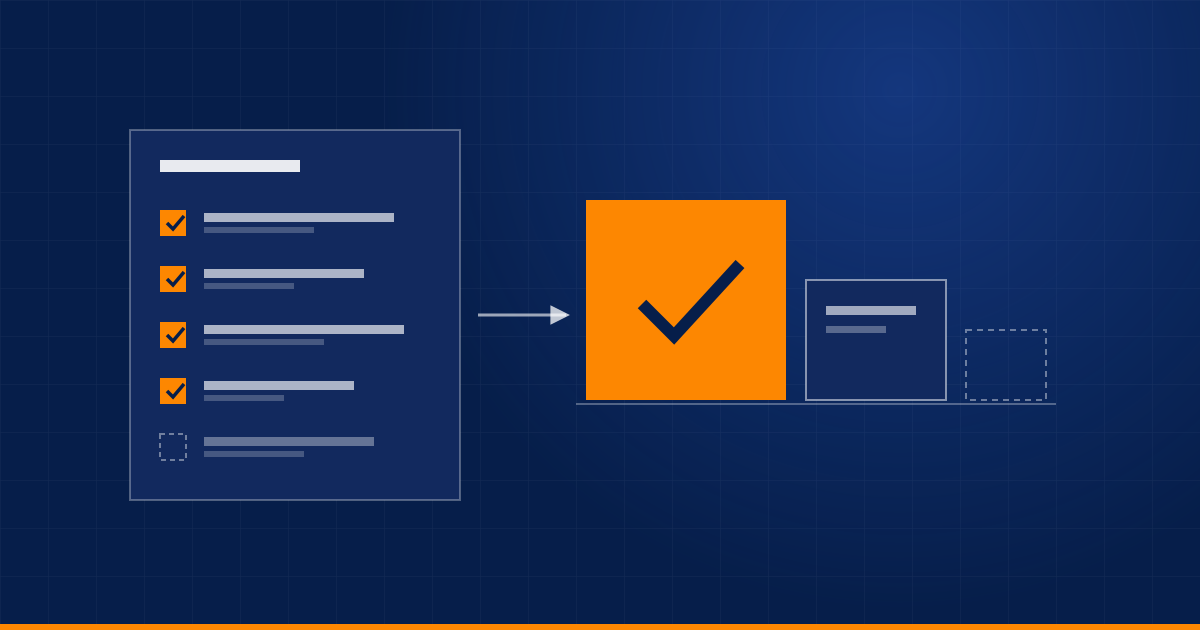
Most software projects go wrong at the brief, not in the code. A good brief fits on one page, answers seven questions and saves weeks of rework. Here is the format to use.
By Admin
Most software projects do not fail in the code. They fail in the first conversation, when "we need an app" turns out to mean something different to everyone in the room.
A good brief does not need technical language. It needs to be specific about the problem, and honest about what matters most. Writing one takes an hour, and it is the cheapest way to avoid weeks of rework later.
Start with the problem, not the solution
Compare these two openings.
"We need a mobile app for our field team."
"Our field team writes job details on paper and the office types them in the next day. It takes about two hours a day, and typing mistakes send people to the wrong address."
The first tells a developer what to build. The second tells them what to fix, and leaves room for a better answer. It might be an app, or it might be a simple form that works in a phone browser with no app store at all.
The seven questions
A brief that answers these will already be better than most.
- What problem are we solving, and who has it? Describe the situation today, in plain words, with a real example.
- Who will use it? List the roles, roughly how many people, and how comfortable they are with technology.
- What does success look like? Pick something you can measure: hours saved, faster replies, fewer errors, more bookings.
- What does it need to connect to? Name the tools, spreadsheets, payment systems or channels involved, and whether you can get access to them.
- What already exists? Share the current process, screenshots, sample data, and any tools you love or hate.
- What are the constraints? Deadline and the reason for it, budget range, compliance rules, and where data must be stored.
- What does "done" mean? List what must be in the first release, and what can wait.
Show, do not only tell
Words are ambiguous. Attach real material wherever you can:
- the spreadsheet the team uses now, with anonymised data,
- screenshots of the tools involved,
- a photo of the whiteboard sketch or the paper form,
- two or three awkward real cases that the system must handle.
The awkward cases are the most useful part. Everything works for the easy ones.
Separate must-have from nice-to-have
The first release should be small enough to ship quickly and useful enough to use. Sort your list honestly:
| Priority | Meaning | Example |
|---|---|---|
| Must have | The project is pointless without it | Staff can record a job on a phone |
| Should have | Important, but the first release works without it | Photos attached to each job |
| Later | Good ideas for after launch | Monthly reports per customer |
If everything is a must-have, nothing is. A first release that people actually use will teach you more than a perfect plan will.
Agree how you will work together
The brief is also the moment to set expectations about the process.
- Regular demos of working software, ideally weekly, so you see progress and can steer early.
- One named contact on each side who can make decisions quickly.
- A clear way to handle changes, including what a change does to time and cost.
- Ownership from day one: the source code, the domain, the cloud account and any app store accounts should be in your name.
Red flags in a proposal
- A fixed price and timeline offered without asking a single question.
- No mention of what is out of scope.
- Nothing about who owns the code and the accounts.
- No demo until the very end.
- Plenty of buzzwords, but little about your actual problem.
A one-page template
Copy this into a document and fill it in.
Project name:

1. The problem (today, with one real example):
2. Who will use it (roles, numbers):
3. How we will know it worked (numbers):
4. What it connects to (tools, data, access):
5. What already exists (attach files):
6. Constraints (deadline and why, budget, compliance):
7. First release: must have / should have / later:

Contacts and decision maker:
If you would like a second pair of eyes on yours, send it over and we will tell you what is missing, even if you decide not to work with us.
Related service: Web & App Development
Have a process eating your team's time?
Tell us about it and we'll say honestly whether automation is the right fix.
Book a discovery call